Quick answer
To check your paycheck, compare the pay period dates, actual shifts, unpaid breaks, regular and overtime hours, differentials, adjustments, and gross pay. Do not start with net pay, because deductions can hide the hour-level question.
The clean paycheck check
Payday math gets messy when the schedule, the time clock, and the paystub all tell slightly different stories. The trick is to compare the same things in the same window of time.
- Start with the pay period. Do not compare the whole month if the paystub only covers two weeks.
- List actual shifts. Use what happened, not just what was posted.
- Subtract unpaid breaks. Even one break per shift can move the total.
- Separate regular and overtime hours. Overtime is often calculated by workweek, not by vibes.
- Add differentials and adjustments. Night, weekend, holiday, charge, tips, manual corrections, PTO, and sick time may appear on separate lines.
- Compare gross pay first. Net pay includes taxes and deductions, so it is not the cleanest place to start.
The six fields worth keeping
You do not need to record your whole life. You need the pieces that change pay.
For each shift
- Date
- Planned start and end
- Actual start and end
- Unpaid break
- Shift type or differential
- Notes for changes
For each pay period
- Start and end dates
- Total regular hours
- Total overtime hours
- Differentials
- Manual adjustments
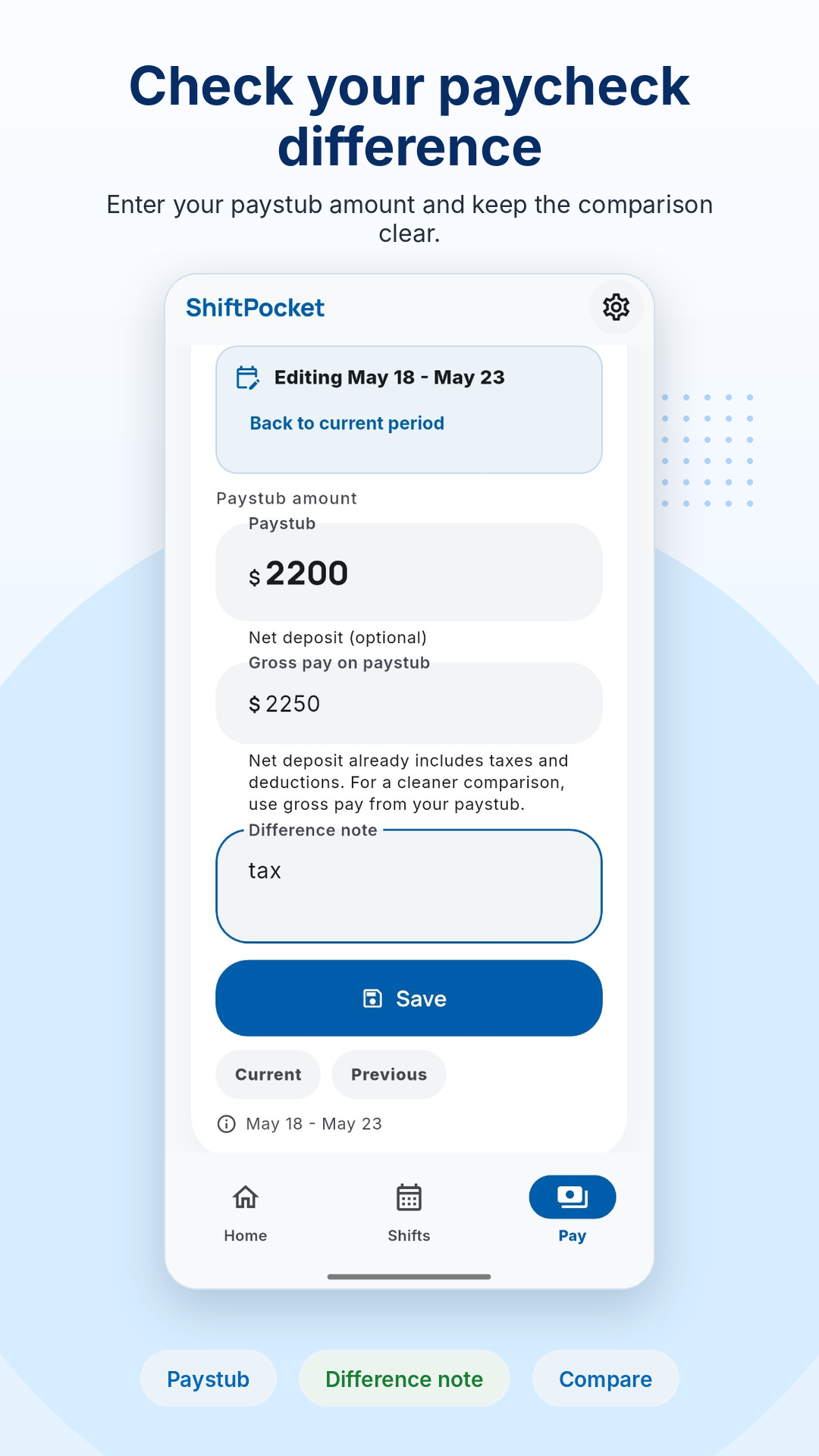
- Paycheck amount entered from paystub
A simple example
Imagine you worked four evening shifts and one extra Saturday. Your schedule says 40 hours, but one shift ended late, one break was changed, and Saturday might have a weekend differential. A calendar alone will not catch that. A paycheck check needs the record of what actually happened.
That is why ShiftPocket separates planned shifts from actual hours. The plan is useful. The actual record is what helps you compare.
Do not compare net pay first
Net pay is what reaches your bank account after taxes, deductions, benefits, garnishments, and other items. If you are checking hours, start with gross wages and the line items on your paystub. Once the hours and rates make sense, then look at deductions.
ShiftPocket focuses on your personal shift and pay-period record. It is not tax or payroll software.
Try this before next payday
Make the record while the shift is still fresh.
ShiftPocket helps you keep planned shifts, actual hours, breaks, overtime, differentials, and paycheck checks together, so you are not rebuilding your week from memory.
FAQ
How do I check if my paycheck matches my hours?
Compare the pay period dates, actual hours worked, unpaid breaks, overtime, differentials, adjustments, and gross wages on your paystub.
Should I use scheduled hours or actual hours?
Use actual hours for a paycheck check. Scheduled hours are helpful context, but changes during the shift can affect pay.
Why should I compare gross pay before net pay?
Net pay includes taxes and deductions. Gross pay and paystub line items are usually better for checking whether your hours and rates were included.
Can ShiftPocket calculate my official paycheck?
No. ShiftPocket estimates pay from your entries and helps you compare records. Always use your official pay statement as the source of truth.